Test Real Time Coaching in 2–6 Weeks: Salesforce Integration for Admins
Run a 2–6 week admin pilot to integrate coaching into Salesforce, with step‑by‑step setup, coaching science, and a clear path to real time cues.
Published: October 9, 2026
Author: OffBook Editorial Team

For most sales teams, the right starting point is a native Agentforce or Einstein setup paired with a focused pilot, and a move to an API or webhook integration only when you need real-time coaching inside live calls. Native tools and AppExchange packages win on speed and low setup friction, while API-based integrations like real-time, in-call coaching exist because post-call review alone rarely changes behavior fast enough.
TL;DR:
- Native and AppExchange tools can launch in days, while API integrations need weeks and developer support; choose APIs only when coaching must happen live.
- Run a pilot for two to six weeks with five to fifteen reps; set success measures beforehand and judge win rates, not logins alone.
- Pair a brief before each call with one or two live cues and feedback that day; too many prompts can overwhelm reps and reduce adoption.
- Before piloting, choose whether to store recordings or surface insights only, log consent on each call, and define retention periods and who can access them.
- Test access with a standard account before rollout; verify trusted URLs, permissions, page placement, and record sync using a sample call.
Table of Contents
- Comparing the integration options for coaching in Salesforce
- Admin checklist to install and enable coaching features
- Designing coaching workflows that match proven frameworks
- Privacy and data-handling decisions before rollout
- Rolling out a pilot before scaling coaching integration
- Where real-time coaching fits this integration
- What I’d prioritize if I were setting this up
- Try real-time coaching with OffBook
- FAQ
- Sources
Comparing the integration options for coaching in Salesforce
Three patterns cover nearly every coaching integration a sales or enablement manager will consider. Native Salesforce tools, built around Agentforce and Einstein, deliver coaching prompts and performance insights directly inside Salesforce with no external vendor. AppExchange managed packages, built by third parties, embed structured training content and scorecards straight into opportunity and account records, often with per-user licensing. API or webhook integrations connect an external coaching platform, like a real-time call assistant, directly to Salesforce records so that coaching data and nudges sync automatically.
The deciding factor is usually latency and where the coaching needs to happen. Native and AppExchange options work well for async training, scorecards, and post-call review. They’re quick to deploy and require little engineering time. API or webhook integrations become necessary when coaching needs to happen while the rep is live on a call, since that requires a connection that can listen, process, and surface a prompt in seconds rather than after the fact.
Before picking a path, weigh these factors:
- Timeline: native and AppExchange tools can go live in days; API integrations usually take a few weeks of setup and testing.
- Engineering availability: webhook and API work typically needs at least part-time developer support for authentication and data mapping.
- Required latency: if coaching has to happen during the call, only a real-time API integration will do.
- UI placement: decide whether coaching surfaces inside Salesforce, in a separate screen, or both.
Admin checklist to install and enable coaching features
Getting coaching live inside Salesforce is mostly a permissions and configuration exercise rather than a development project. The Trailhead project for enabling sales coaching in Agentforce documents the exact sequence Salesforce expects admins to follow.
- Enable the Agentforce or Sales Coach feature in Setup, or install the managed package if using an AppExchange tool.
- Create a dedicated coaching user with the correct license type assigned.
- Build or assign a permission set that grants access to coaching objects and reports.
- Add remote site settings or trusted URLs so Salesforce can communicate with any external API, since missing trusted URL entries are a common cause of failed data sync.
- Set up a connected app with API credentials if coaching data needs to flow from an external platform.
- Use Lightning App Builder to add the coaching component to the Opportunity page layout and, where relevant, to call log or task layouts.
- Run a smoke test: log a sample call, confirm the coaching prompt or scorecard appears, and verify the data lands on the correct record.
Pro Tip: Test with a non-admin user account before rollout. Permission set gaps often only surface once someone without full admin rights tries to use the feature.
Designing coaching workflows that match proven frameworks
Installing the technology is the easy part. The harder, more valuable work is deciding when a coaching moment should fire and what it should say. Research on effective coaching practices points to four pillars that hold up across industries: observation, modeling, performance feedback, and alliance-building, delivered through repeated cycles rather than one-off sessions.
Map these pillars to concrete Salesforce triggers:
- Pre-call: a prep brief tied to the Opportunity, summarizing the account, contact history, and open objections.
- In-call: one or two lightweight nudges, timed to objection-handling or discovery moments, not a constant stream of prompts.
- Post-call: same-day corrective feedback logged against the call record, ideally within hours rather than days.
The same research notes that teams succeed when they combine a short pre-call brief with a small number of in-call cues and prompt follow-up feedback. An excessive number of in-call prompts can overwhelm reps and reduce adoption, so restraint is important.
A meta-analysis of workplace coaching found that coaching improves learning and performance outcomes, though the quality of implementation strongly affects results. That’s the practical argument for designing workflows deliberately rather than bolting a coaching tool onto existing processes and hoping adoption follows. For managers building a coaching cadence, our sales manager coaching cadence guide walks through pacing these cycles across a team.
Privacy and data-handling decisions before rollout
Call coaching touches sensitive data, so a handful of decisions need to happen before any pilot goes live, not after.
- Decide whether the tool surfaces insights only or stores full call recordings and transcripts, since some coaching features are designed to surface insights without storing or searching raw personal data.
- Log consent directly on the call or activity record so there’s an audit trail tied to each conversation.
- Set retention windows and role-based access so only sales managers and the rep involved can view coaching notes.
- Keep an audit trail of who accessed coaching data and when, especially for teams operating across multiple states.
Pro Tip: Loop in legal or compliance before the pilot starts, not after reps are already recording calls. Consent and retention rules are far easier to fix on paper than after data has already been collected.
Rolling out a pilot before scaling coaching integration
A focused pilot beats a full rollout every time, mainly because it surfaces configuration gaps and adoption friction while the stakes remain low.
- Scope the pilot to one team or territory, running for two to six weeks with five to fifteen reps.
- Set success metrics up front, such as call volume coached, manager time saved, or win rate on coached deals.
- Assign clear roles: an admin handles configuration, enablement owns training, sales managers reinforce usage, and legal signs off on consent language.
- Budget for the pricing model that fits: AppExchange managed packages typically bill per-user per-year, while API-based platforms often use subscription tiers plus implementation hours.
- Review pilot data at the midpoint and end, then adjust prompt timing, permission sets, or layout placement based on what reps actually used.
Treat the pilot as a learning exercise rather than a go/no-go test. The goal is to find friction points, fix them, and only then decide how wide to expand.
Where real-time coaching fits this integration
Native tools and managed packages handle structured, async training well. Real-time, in-call coaching fills a different gap: changing what a rep says while the conversation is still happening, not after it ends.
- Some real-time coaching platforms listen to live video calls and surface on-screen cues, prompting reps on objections, discovery questions, and qualification gaps.
- Prompts can be structured around established sales methodologies, rather than generic talking points.
- Pre-call briefs can summarize the people and company a rep is about to meet.
- Post-call debriefs and follow-up drafts can be generated automatically to close the loop without extra manual work.
This approach tends to fit founder-led B2B SaaS teams at early stages best, where every call matters and there may be limited enablement resources to run manual review cycles. Our real-time coaching explainer for startup teams covers more on where this fits versus post-call tools.
What I’d prioritize if I were setting this up

Start with a native or AppExchange pilot to prove the workflow, then move to real-time coaching only once you know which moments in a call actually need a nudge. The two mistakes I see most: treating coaching integration as a one-time install rather than an ongoing cycle, and flooding reps with so many prompts that they tune out the tool within a week.
Pro Tip: Measure pilot success by win rate on coached deals, not usage logs alone. Logins tell you adoption, not impact.
— Neil
Try real-time coaching with OffBook
If your pilot already proved that reps need help in the moment rather than after the call ends, OffBook gives you a direct path to test that without months of integration work.
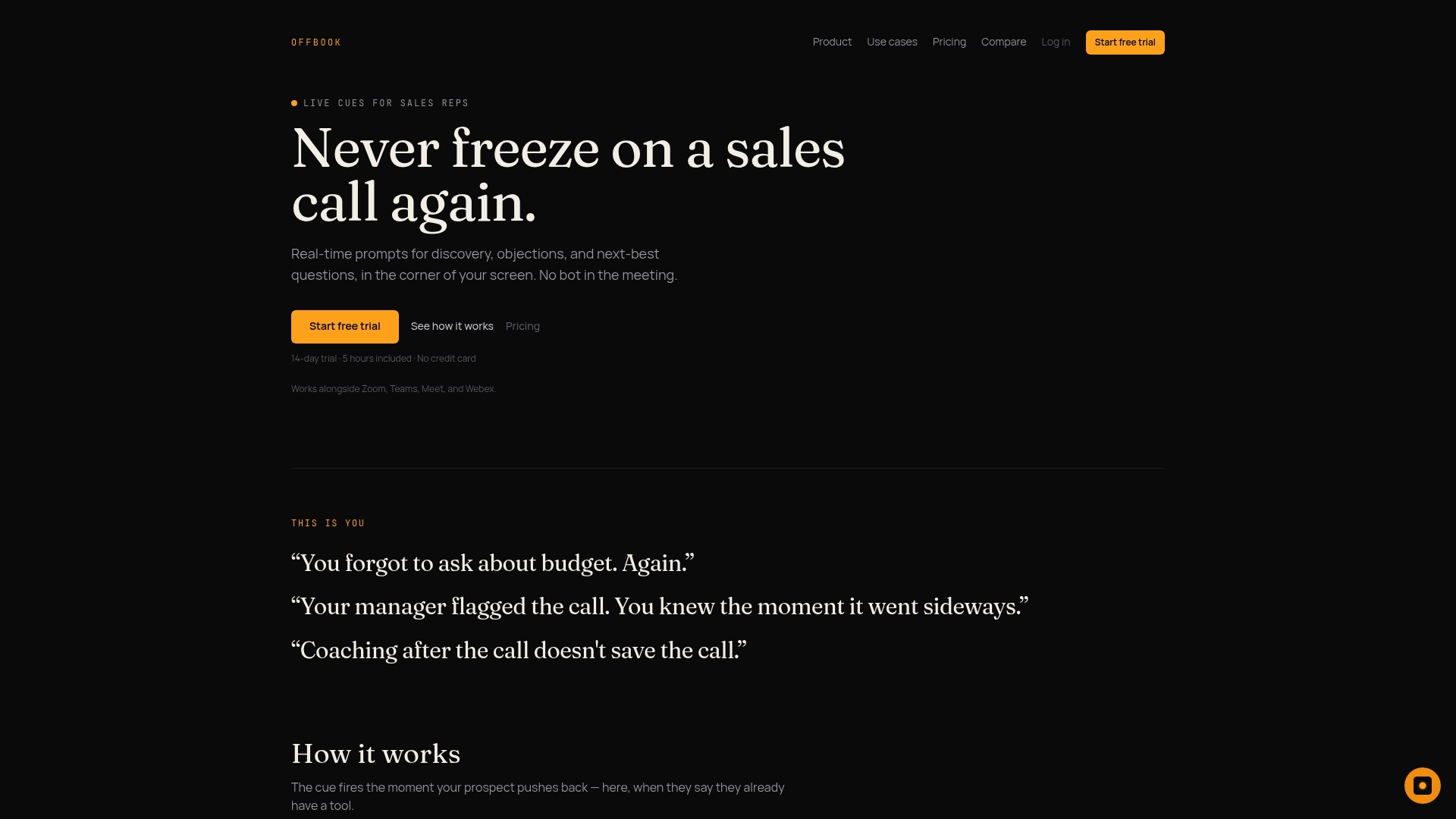
- Start a trial with a small group of reps and their manager, so you can compare coached and uncoached calls side by side.
- During the trial, test prompt timing, pre-call brief accuracy, and whether post-call debriefs actually save manager review time.
- Check pricing and plans, including the Power plan at $59 per month or $590 per year, and Team pricing at $1,000 per year per seat.
- Visit our sales coaching page to see how real-time cues map to your existing call workflow before you commit.
FAQ
What is the best way to integrate coaching into Salesforce?
For most teams, start with native Agentforce or Einstein coaching features, or an AppExchange managed package, since both require minimal setup. Move to an API or webhook integration only when you need coaching prompts to appear while a call is still happening.
Does Salesforce have a built-in coaching feature?
Yes, Salesforce offers native sales coaching through Agentforce, which Trailhead’s enablement guide walks admins through step by step, including permission sets and page layout placement. It covers structured coaching and reporting but doesn’t deliver live, in-call prompts on its own.
How much does a Salesforce coaching integration cost?
AppExchange managed packages for coaching commonly use per-user, per-year licensing embedded directly into opportunity records. Real-time coaching platforms like OffBook use subscription pricing, with plans starting at $59 per month or $590 per year on the Power plan.
What coaching framework should I use for sales call prompts?
The GROW framework, paired with structured feedback timing, is a common foundation for coaching conversations and scripts, as covered in this GROW coaching conversation framework. Pairing it with observation, modeling, and same-day feedback tends to produce more consistent results than one-off training sessions.
How do I handle privacy and consent for call coaching data in Salesforce?
Capture consent directly on the call or activity record so there’s a clear audit trail, and decide early whether the tool stores raw recordings or only surfaces insights. Some platforms are built to surface coaching insights without storing searchable personal data, which simplifies compliance.
Sources
- Enable sales coaching in Agentforce — Salesforce Trailhead
- Salesforce AppExchange listing (coaching/training)
- Defining effective coaching practices — NCSI / WestEd
- Workplace coaching: a meta-analysis and recommendations
- Einstein Call Coaching datasheet — Salesforce