Gong vs Avoma: Coach Reps Before the Call Ends
Compare Gong and Avoma on analytics, coaching, pricing, and workflow fit, then see why OffBook suits teams that need to change calls in real time.
Published: October 13, 2026
Author: OffBook Editorial Team

If your main goal is changing what reps say and do while they’re still on the call, you need live, in-call coaching, not a post-call analytics platform. If your goal is pipeline visibility and deal risk scoring across a large team, a revenue intelligence tool built for post-call analysis fits better. We built OffBook for the first job: coaching reps in real time, when it still changes the outcome.
TL;DR:
- Model recorder and viewer seats separately, then compare overages and contract terms; OffBook lists Power at $59 monthly or $590 annually.
- During a trial, run a real call from calendar invite through conferencing and CRM logging, then verify transcript timing and opportunity field mapping.
- Ask vendors to simulate a coaching cue during a mock objection, and test transcript accuracy, CRM export, and dashboard drilldown against a real recorded call.
- Large teams focused on forecast accuracy should assess completed call dashboards, while seed or Series A teams without senior rep depth may value live prompts.
- Before signing, get written terms for call consent, data retention, and support response times, then pilot with real calls rather than sample data.
Table of Contents
- What conversation intelligence and meeting assistants actually do
- Comparing capability buckets that actually matter
- Pricing and licensing: the real levers buyers must model
- Integrations and workflow fit: what to verify in a trial
- How to choose: a prioritized checklist and demo tasks
- OffBook’s take on when live, in-call coaching wins
- Mapping team profiles to the right solution
- Try OffBook for live, in-call coaching
- FAQ
- Sources
What conversation intelligence and meeting assistants actually do
Sales teams usually land on two kinds of tools when they start looking at call technology: post-call revenue intelligence platforms and AI meeting assistants. Both record calls and generate transcripts, but they aim at different outcomes.
Revenue intelligence platforms focus on what happened after the call ends. They parse transcripts for deal signals, track talk ratios, and feed pipeline risk scores into a CRM so sales leaders can spot deals that are stalling. Meeting assistants focus on documentation: they join a call, take notes, and produce a summary a rep can forward or file.
Most tools in both categories share a baseline feature set:
- Call recording with cloud storage and playback.
- Automatic transcription, often searchable by keyword or topic.
- A shared library of past calls, tagged by deal, rep, or account.
- CRM sync that logs call activity against the right opportunity record.
The real difference shows up in what the data is used for. Post-call tools turn conversations into revenue signals: win-rate trends, competitor mentions, forecast accuracy. Live coaching tools turn conversations into in-the-moment behavior change: a prompt to ask a qualifying question, a nudge when an objection goes unanswered. Buyers often pick a category before they realize these are genuinely different jobs.
Comparing capability buckets that actually matter
Instead of scoring individual vendors, it helps to break the decision into capability buckets and ask what each one buys you.
Conversation analytics and dashboards. This is the backbone of post-call revenue intelligence: talk-time ratios, sentiment trends, deal-level rollups that managers review in pipeline meetings. G2’s comparison of these platforms shows meaningful differences in how deep that reporting goes and how reviewers rate it.
Real-time coaching versus post-call coaching. This is the line that matters most for behavior change. Post-call coaching means a manager reviews a recording days later and leaves comments. Real-time coaching means the rep gets a cue while the prospect is still talking, when there’s still a chance to recover an objection or ask the question that was about to get skipped.
Transcription and AI notes. Accuracy varies, and editable summaries with action-item extraction save real admin time, but notes alone don’t change what happens on the next call.
Searchability and knowledge reuse. A searchable call library is useful for onboarding and competitive intelligence, but only if snippet quality is good enough that reps actually trust the search results instead of re-watching full recordings.
Integrations and usability. CRM field mapping, conferencing compatibility, and calendar sync determine whether a tool gets adopted or quietly ignored after week two.
Admin friction at scale. Multi-profile support and onboarding complexity matter more than feature lists once a team grows past a handful of reps.

Pro Tip: Ask any vendor to demo the exact moment a rep hears or sees a coaching cue, not just the dashboard that appears after the call ends.
Pricing and licensing: the real levers buyers must model
Pricing structures differ in ways that change total cost more than the sticker price suggests. Some meeting assistants publish a simple per-seat monthly rate. Larger revenue intelligence platforms typically require a custom quote tied to team size and feature tier, a pattern G2’s comparison page notes explicitly when it flags pricing-model differences between the two categories.
The detail that trips up most buyers is the recorder versus viewer distinction. A “recorder” seat is a license for someone whose calls get captured and coached. A “viewer” seat is for someone who only consumes dashboards or reviews recordings afterward. If a vendor charges per recorder, a team with twenty reps and five managers pays for twenty recorder licenses regardless of how many viewers also log in. Get this wrong in your model and your actual cost can run well above the quote you expected.
Before comparing any two offers side by side, capture the same inputs from every vendor:
- The exact monthly or annual price per recorder seat.
- Whether viewer or manager seats are included or billed separately.
- Whether pricing is published or requires a sales call to get a quote.
- Any overage charges for call volume or storage beyond a included limit.
- Contract length and whether monthly plans exist alongside annual ones.
OffBook publishes its pricing directly: the Power plan runs $59 per month or $590 per year, and the Team plan runs $1,000 per year per seat. Having those numbers up front makes it easier to build an apples-to-apples model before you ever get on a sales call.
Integrations and workflow fit: what to verify in a trial
A tool that looks great in a demo can stall out in week three if it doesn’t fit how your team actually works. Before committing, confirm these integrations function correctly, not just that they exist on a feature list:
- CRM sync: does call activity log to the right opportunity, and do notes map to the fields your team actually uses?
- Conferencing compatibility: does the tool work cleanly with the video platforms your reps are already on?
- Calendar integration: does it auto-join or prep for the right meetings without manual setup?
- Enablement stack fit: does it connect to the content or playbook tools reps reference before and during calls?
The most common failure point is latency or mapping drift: a transcript that lands in the CRM an hour late, or notes that land against the wrong deal stage. Test this with real calls, not sample data, before you sign anything.
Pro Tip: Run one full mock call through the entire stack, from calendar invite to CRM log, during your proof of concept, and check every handoff point by hand.
How to choose: a prioritized checklist and demo tasks
Work through these in order, since the first two usually eliminate half the field on their own.
- Define your primary outcome: pipeline visibility and forecasting, or in-call behavior change for reps.
- Check scale fit: does pricing and admin complexity hold up at your actual headcount, not just a pilot group?
- Confirm real-time capability if that’s the goal. A post-call summary is not a substitute for a live cue.
- Review the admin model: who manages seats, profiles, and permissions, and how much setup time that takes.
- Ask about consent and data handling, especially for recorded calls involving prospects.
- Verify integrations against your actual CRM, conferencing, and calendar setup.
- Confirm the support model: response times, onboarding help, and whether a sales-assisted plan is available for teams.
When you get to a demo, ask for specific tasks rather than a generic walkthrough: have the vendor simulate a live coaching cue during a mock objection, export a transcript into your CRM in front of you, run an accuracy check against a recorded call you provide, and drill down from a dashboard metric to the original conversation. Before signing, get clear answers on data retention periods, the consent workflow for call participants, and support SLAs in writing.
OffBook’s take on when live, in-call coaching wins
We built OffBook around a simple premise: coaching works best while the call is still happening, not three days later in a recap meeting. Our product surfaces on-screen cues during the call itself, generates pre-call briefs on the people and companies a rep is about to meet, and produces an immediate post-call debrief and follow-up draft, all without a bot joining the meeting.
This fits a specific buyer profile best: founder-led B2B SaaS teams at the seed or Series A stage, where every call matters and there’s no bench of senior reps to lean on. For that team, a live cue that catches a missed qualification question is worth more than another dashboard.
Mapping team profiles to the right solution
A quick way to sort this: if your bottleneck is forecast accuracy and deal visibility across a large team, lean toward post-call revenue intelligence. If your bottleneck is reps missing questions or fumbling objections live, lean toward real-time coaching. Either way, run a small pilot on real calls before committing to a full rollout. The next section walks through what that pilot looks like with OffBook.
— Neil
Try OffBook for live, in-call coaching
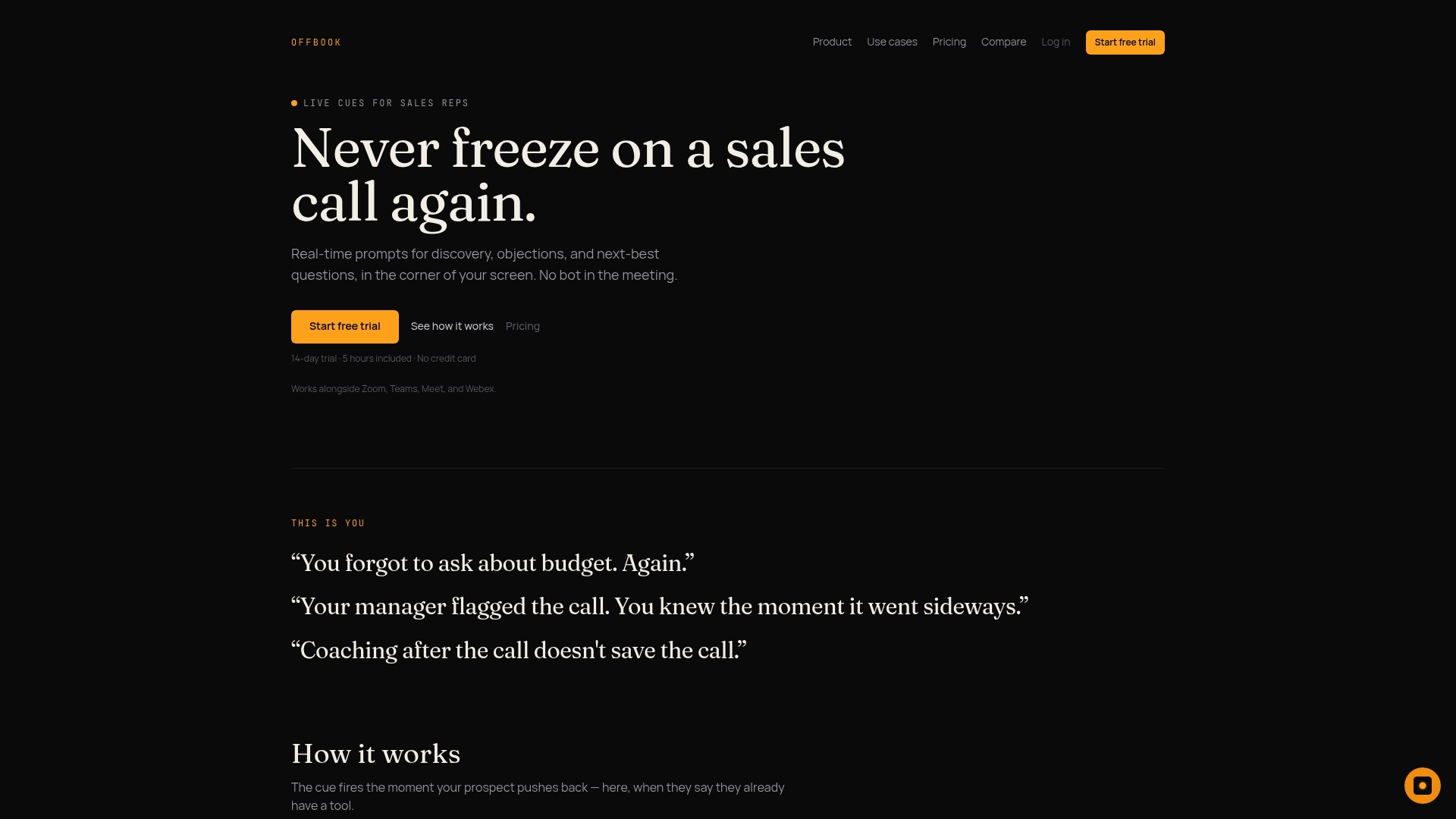
Certain sales teams find in-call coaching useful, as reps receive prompts for questions to ask and objections to address, while participants prepare for calls in advance.
| Plan | Price | Billing |
|---|---|---|
| Power | $59 | per month |
| Power | $590 | per year |
| Team | $1,000 | per year, per seat |
See how it fits your sales workflow or check current plans to get started.
FAQ
Who are Gong’s main competitors?
The conversation intelligence and meeting assistant space includes several categories of tools, ranging from post-call revenue intelligence platforms to AI meeting assistants and live, real-time coaching tools. The right comparison depends on whether your priority is pipeline analytics, meeting documentation, or in-call behavior change.
How much does Chorus AI cost?
Pricing for larger revenue intelligence platforms is typically quote-based rather than published, tied to team size and feature tier. Buyers should request a detailed quote that separates recorder seats from viewer seats before comparing costs across vendors.
Is Gong considered AI?
Revenue intelligence platforms in this category use AI and machine learning to transcribe calls, surface talk-time metrics, and flag deal risk signals for sales managers. The specific depth of that analysis varies by vendor and is one of the factors G2’s comparison highlights between tools.
Is Gong worth it for a small sales team?
Whether a revenue intelligence platform is worth it depends on team size and primary goal: it tends to suit larger teams that need pipeline-wide visibility more than small, founder-led teams focused on changing what happens during individual calls. For teams prioritizing live coaching over dashboards, a real-time coaching tool built for that job is typically a better fit.
What’s the difference between live coaching and post-call analytics?
Live coaching delivers prompts to a rep while the call is happening, aiming to change the outcome of that specific conversation. Post-call analytics reviews the conversation afterward to surface pipeline trends and deal risk, which helps forecasting but doesn’t change what already happened on the call.