Founder Led Startups: Change Sales Call Retention, Keep History
Checklist for founder led startups to set sales call retention, export recordings first, and change policies safely for coaching data.
Published: September 28, 2026
Author: OffBook Editorial Team

Real-time sales coaching platforms typically retain four things: call audio, transcripts, live coaching cues, and derived analytics, usually under a default preset like 30, 90, or 365 days. Before you touch any retention setting, export or archive the recordings and transcripts you actually need. Once a purge runs, that data is generally gone for good.
TL;DR:
- Most platforms retain call audio, transcripts, coaching cues, and analytics for preset periods of 30, 90, or 365 days, with options for custom ranges up to several years.
- Data is only permanently deleted after a scheduled purge, which cannot be reversed, making pre-export essential before shortening retention policies.
- Participants can view their own transcripts and cues, but access to analytics and archives is typically limited to admins or managers, depending on role-based permissions.
- Changing retention policies requires exporting data first and testing new settings on a small scope to prevent unintended data loss.
- OffBook offers configurable retention, consent management, and export tools designed to protect privacy and support auditability for sales coaching workflows.
Table of Contents
- What counts as sales-call data: audio, transcripts, cues, and analytics
- Typical retention options and how policies get applied
- How deletion and purge actually work
- Consent, access, and privacy controls for live coaching
- Admin checklist: how to change retention without losing history
- Governance and best practices for early-stage teams
- Balancing coaching impact with data minimization
- How OffBook handles retention, consent, and coaching data
- Documentation worth checking while you configure retention
- Sources
- FAQ
What counts as sales-call data: audio, transcripts, cues, and analytics
Not every artifact your coaching platform generates is treated the same way, and that matters when you’re setting retention rules.
- Audio files: raw recordings, usually the largest and most privacy-sensitive files, stored in object storage separate from text data.
- Transcripts: processed text tied to participant IDs, indexed for search, and often the piece reps and managers reference most.
- Coaching cues: the on-screen prompts generated during the call from live audio processing, sometimes discarded immediately and sometimes persisted for coaching review or model training.
- Analytics and metadata: sentiment scores, talk ratios, action items, and call outcomes, typically aggregated in a separate database from the raw recording.
Access also varies by artifact. Participants can usually see their own transcripts and cues, while aggregated analytics and audio archives are often admin-only, visible to sales managers or ops but not every rep on the team.
Typical retention options and how policies get applied
Most platforms build retention around a handful of common presets, then let admins override them at different levels of the account.
- Common presets: 30, 90, and 365 days appear across most vendors as starting points.
- Custom ranges: some platforms allow retention as granular as 1 to 4,000 days, or unlimited storage if you opt in.
- Policy hierarchy: settings usually cascade from account-level defaults down to workspace or team rules, with user-level overrides possible in some tools.
One thing worth flagging directly: retroactive cleanup is typically opt-in, meaning a new, shorter retention policy applies only to future data unless you specifically choose to apply it to existing recordings, and that retroactive run is not reversible once it starts. Microsoft Dynamics 365’s conversation intelligence documentation shows retention windows configurable from 30 days up to 10 years, which gives a sense of how wide the range can be between a lean startup policy and an enterprise one built for long audit trails.
How deletion and purge actually work
Retention limits don’t delete anything by themselves. They set a clock, and a separate purge process does the actual removal.
- Scheduled jobs: most platforms run permanent purge operations as daily or batch jobs that remove recordings, transcripts, and analytics once the retention window closes.
- Soft delete vs. hard delete: some tools mask expired data from the interface first while keeping it available to admins or analytics for a grace period, then run a hard delete that removes every trace.
- No recovery after purge: once the permanent delete job runs, support teams generally cannot restore what’s gone, which is the entire reason to export before shortening a policy rather than after.
Genesys Cloud illustrates a middle path here: interactions under 1.5 years old keep full search and playback access, while older interactions shift to limited metadata only, a tiered approach that keeps some history without keeping everything at full fidelity forever.
Consent, access, and privacy controls for live coaching
Retention decisions only matter if the underlying consent and access model is sound. Before enabling live coaching on any call, confirm three things.
- Per-session consent: check whether the platform surfaces a recording or coaching notice at the start of each call and logs that consent was given, rather than relying on a one-time signup checkbox.
- Role-based access: confirm who can view transcripts and cues after the call. Participants typically see their own data, while broader visibility into team-wide insights should be limited to admins or sales leaders.
- Privacy toggles: look for masking options, read-only access for human reviewers, and a clear opt-out path for reps or prospects who don’t want the call coached or recorded.
Pro Tip: Walk through the consent flow yourself on a test call before rolling coaching out to the full team. If you can’t tell whether consent was logged, your reps won’t be able to either.
If you’re figuring out how consent notices actually appear on a live call, our walkthrough on Zoom consent flows covers the practical steps, and the overview of recording consent laws explains what notice requirements generally look like.

Admin checklist: how to change retention without losing history
Changing a retention policy is simple. Changing it safely takes a few extra steps.
- Export first: archive any recordings, transcripts, or analytics tied to active deals or coaching programs before touching the policy.
- Test on a small scope: apply the new policy to a sandbox workspace or a single team, then confirm purge timing and check the audit log to see exactly what ran and when.
- Handle retroactive cleanup carefully: if you’re shortening retention for existing data, scope the retroactive run narrowly and confirm you understand it’s irreversible before you click confirm.
- Communicate the change: tell reps and managers what changed, when it takes effect, and update your internal documentation so the next person doesn’t have to reverse-engineer the policy.
Governance and best practices for early-stage teams
Founder-led sales teams rarely have a dedicated data governance function, so the defaults you pick early tend to stick. For a thoughtful industry perspective on AI infrastructure and how product teams treat data retention and model training, check out the role of AI in product development.
- Sensible starting points: 90 days for transcripts and coaching cues, 365 days for aggregated analytics, and shorter retention for raw audio unless you have a specific reason to keep it longer.
- Assign an owner: one person, usually the VP of Sales or founder, should own retention settings and log every change made.
- Audit on a schedule: a quick monthly check of retention settings and audit logs catches drift before it becomes a liability.
- When longer history earns its keep: teams with long sales cycles or active coaching-model tuning sometimes justify extended retention, in which case removing personally identifiable details from older records lowers the risk without losing the coaching value. Our piece on how AI cues improve sales performance covers why some teams choose to keep history longer for exactly this reason.
Balancing coaching impact with data minimization
Short retention windows build trust with prospects and shrink the amount of sensitive data sitting around if something goes wrong. But cut the window too short and you lose the coaching continuity that made recording worthwhile in the first place: a rep can’t review how they handled an objection three months ago if the transcript is already gone.
The practical answer is not one universal number. It’s picking a default that matches your sales cycle, documenting why you picked it, and giving reps and prospects clear, per-session consent rather than a buried policy page. Check your settings this week, write down your reasoning, and revisit it when your sales cycle or team size changes.
— Neil
How OffBook handles retention, consent, and coaching data
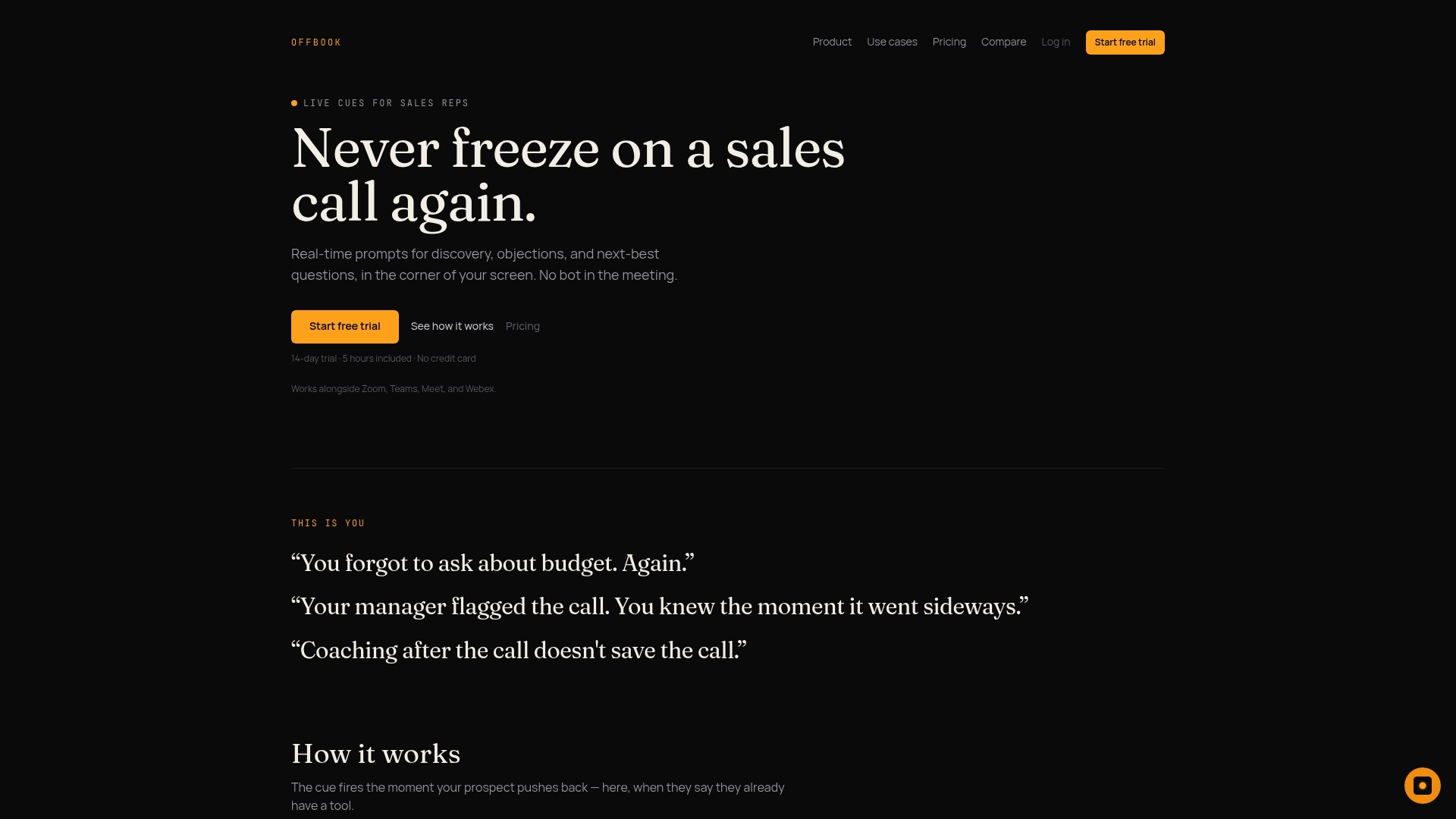
OffBook was built around the idea that live coaching only works if reps and prospects trust how the call is being handled, so retention and consent aren’t afterthoughts bolted onto a recording tool. Audio, transcripts, coaching cues, and analytics each carry their own configurable retention window, with sensible defaults out of the box and admin overrides when a team needs something different.
- Per-session consent is built into the flow, so participants know when live coaching is active on a given call, not just once at signup.
- Role-based access controls limit who sees raw transcripts versus aggregated coaching insights.
- Export and delete tools let admins pull historical data before adjusting a policy, rather than discovering after the fact that it’s gone.
If you’re a founder or VP of Sales evaluating how retention and consent should work before your team leans on live coaching, our founder-focused page walks through the approach in more detail, and you can compare plans directly on the pricing page.
Documentation worth checking while you configure retention

Open your platform’s privacy and retention settings page alongside its audit log before making any change, and review how per-session consent and human read-only access are described in its privacy documentation.
Sources
- Data retention and deletion policy in conversation intelligence | Microsoft Learn
- Dialpad help: data retention policy
- Genesys Cloud: retention period for analytics data and recording
FAQ
How long should sales call recordings typically be retained?
There’s no single required period. Common presets across platforms run 30, 90, or 365 days, with many tools also allowing custom windows up to several thousand days for teams that need longer history.
Can I recover data after a retention purge runs?
Generally, no. Once a permanent purge job completes, support teams typically cannot restore the deleted recordings, transcripts, or analytics, which is why exporting before shortening a policy matters.
Do retention changes apply to calls I already recorded?
Usually not automatically. Most platforms apply a new policy only to future data unless an admin specifically opts into retroactive cleanup, and that retroactive run is irreversible once started.
Who can access retained transcripts and coaching cues?
Participants can typically see their own transcripts and cues, while broader analytics and archived recordings are usually restricted to admins or sales managers through role-based access controls.
Does OffBook let admins configure retention for coaching data?
Yes. OffBook supports configurable retention windows for audio, transcripts, coaching cues, and analytics, with admin-level defaults and per-team overrides, alongside per-session consent and export tools.